

The digital content landscape has evolved dramatically in recent years, and 2025 has marked another leap forward for generative AI tools. One of the most revolutionary innovations? Text-to-image generators.
With a simple text prompt, you can now create professional-grade visuals, stunning artwork, or photorealistic scenes—without any design skills. These tools are transforming the way creators, marketers, and businesses work with visual content.
In this guide, we’ll break down the 10 best text-to-image generators in 2025 (both free and paid), compare their features, and help you choose the right one for your needs.
Let’s get started!
What Is a Text to Image Generator?
A text-to-image generator is an AI-powered tool that turns written prompts into visual artwork or images. By using advanced machine learning models like GANs (Generative Adversarial Networks) or diffusion models, these tools understand your input and generate visuals that align with your instructions.
How Does Text to Image AI Work?
Most modern tools use transformer-based architectures (like DALL·E or Stable Diffusion) to analyze and interpret text prompts. Then, they build images step-by-step by predicting how each pixel or section should look.
The more advanced the model, the more nuanced, detailed, and high-quality the final output.
Who Can Benefit from These Tools?
- Bloggers and marketers who need custom visuals for posts and social media
- Designers seeking fast creative mockups
- Authors and storytellers visualizing their characters or scenes
- Game developers and animators prototyping environments
- Students and researchers creating engaging presentations
Key Features to Look for in a Text-to-Image Generator
Not all tools are created equal. Here are key features you should consider when picking a text-to-image AI:
Image Quality and Resolution
Some tools excel at creating HD or 4K outputs, while others might offer only basic resolution. Choose based on your publishing needs.
Style Customization & Prompt Accuracy
The best tools allow you to define artistic styles—like watercolor, oil painting, anime, or photorealism—and interpret your prompt with high fidelity.
Speed and Rendering Time
Depending on your workflow, fast rendering may be crucial. Some tools deliver images in under 10 seconds, while others may take longer.
Commercial Use License and Pricing
Always verify licensing terms—some platforms allow commercial use with attribution, while others require paid plans for commercial access.
AI Model Used (DALL·E, Stable Diffusion, etc.)
Different models yield different image styles. For example, DALL·E 4 is known for realism, while Midjourney leans artistic.
Top 10 Text-to-Image Generators in 2025 (Free & Paid)
Below are the best AI text-to-image tools available in 2025, including both free and premium options:
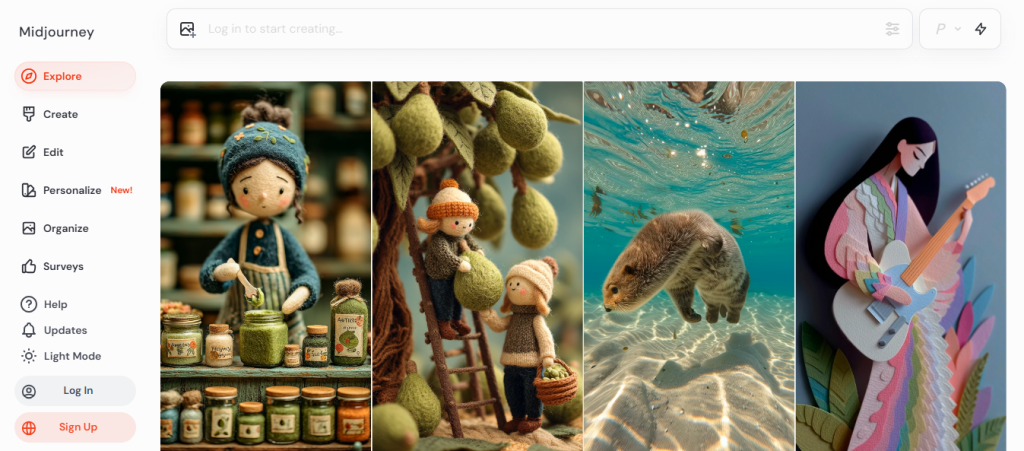
1. Midjourney
- Best For: Artistic, surreal, and stylistic images
- Pros:
- Highly creative output
- Popular on Discord for community prompts
- Cons:
- Not ideal for photorealism
- Pricing: Starts at $10/month
2. DALL·E 4 (by OpenAI)
- Best For: Realistic and detailed imagery
- Pros:
- Seamless ChatGPT integration
- Inpainting and editing features
- Cons:
- Credit-based system can limit heavy use
- Pricing: Included with ChatGPT Plus or $20/month
3. Adobe Firefly
- Best For: Professional & commercial use
- Pros:
- Trained on licensed Adobe stock
- Seamless integration with Photoshop
- Cons:
- Slightly slower rendering speed
- Pricing: Free with Adobe Creative Cloud
4. Leonardo.Ai
- Best For: Game assets and concept art
- Pros:
- Offers model fine-tuning
- High prompt accuracy
- Cons:
- Learning curve for advanced features
- Pricing: Free tier + premium plans

5. Canva AI Image Generator
- Best For: Beginners and social media creators
- Pros:
- Easy-to-use interface
- Integrates with design templates
- Cons:
- Limited style customization
- Pricing: Free + Pro ($12.99/month)

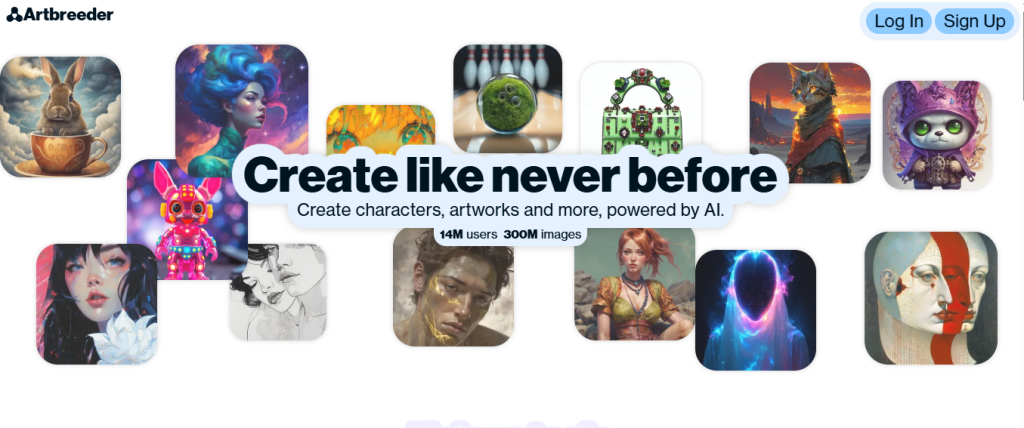
6. Artbreeder
- Best For: Face morphing & character creation
- Pros:
- Community-driven models
- Genetic-style image editing
- Cons:
- Less control over full-scene generation
- Pricing: Free + Pro
7. Microsoft Designer AI
- Best For: Quick graphics for business use
- Pros:
- Microsoft 365 integration
- Suggests image + caption combinations
- Cons:
- Limited advanced controls
- Pricing: Free with Microsoft 365

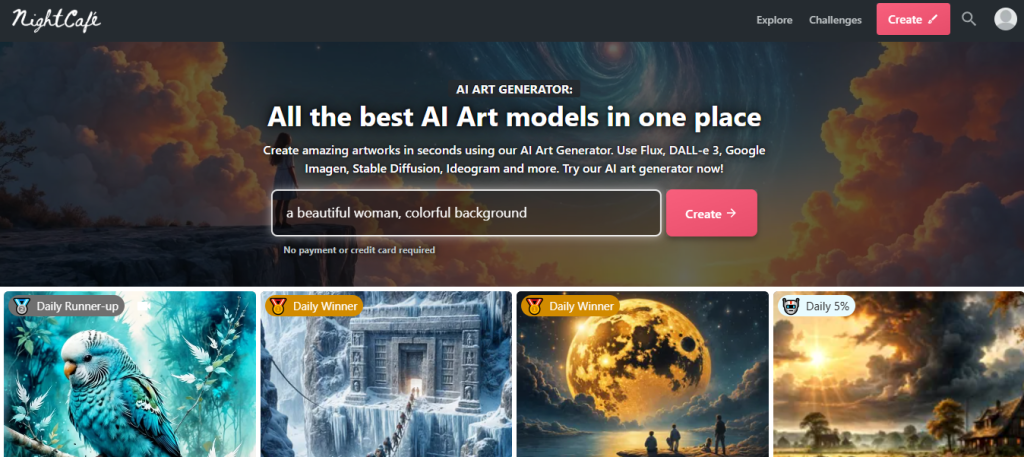
8. NightCafe Studio
- Best For: Community creations and high-res art
- Pros:
- Tons of model options (SD, VQGAN, CLIP)
- Print feature available
- Cons:
- Credit-based limitations
- Pricing: Free with credits + subscriptions
9. RunwayML
- Best For: AI video + image workflows
- Pros:
- Offers image + video generation
- Real-time collaboration tools
- Cons:
- Requires some technical setup
- Pricing: Free plan + Pro tiers

10. Fotor AI Image Generator
- Best For: Marketing visuals & quick edits
- Pros:
- Includes AI background remover and filters
- Cons:
- Less advanced models than others
- Pricing: Free + Pro ($8.99/month)

Free vs Paid AI Text-to-Image Generators: Which One Should You Choose?
Both free and paid tools have their advantages. Here’s how to decide:
Limitations of Free Tools
- Often cap daily usage or image quality
- Limited prompt complexity or output size
- May not offer commercial rights
Benefits of Paid Subscriptions
- Higher-resolution output
- Faster processing & priority access
- Expanded style options and editing tools
- Commercial use rights
If you’re a professional or planning high-volume use, paid plans are worth the investment.
How to Choose the Right Text to Image AI Tool for You
Still not sure which one to pick? Use these criteria to guide your decision:
Define Your Use Case
- Social media & blogs: Canva, Fotor
- Art & creativity: Midjourney, NightCafe
- Marketing & business: Adobe Firefly, Microsoft Designer
- Gaming/Concept art: Leonardo.ai, RunwayML
Test Output Quality
Try a few prompts across platforms to compare clarity, style, and detail.
Consider Licensing and Support
Always check if you can use the images commercially and whether customer support is responsive.
FAQs About Text-to-Image AI Tools in 2025
Are AI-generated images copyright-free?
It depends on the platform. Some (like Adobe Firefly) offer commercial licenses, while others restrict use or require attribution.
Can I use AI images for commercial purposes?
Yes, but check the licensing terms of each platform. Paid versions typically allow commercial use.
Which is the fastest AI image generator?
Tools like Canva and DALL·E 4 are among the fastest, delivering images in under 10 seconds for simple prompts.
Final Thoughts
Text-to-image generators have become indispensable for creators in 2025. Whether you’re designing a social media post, visualizing a novel, or creating ad graphics, these tools save time, boost creativity, and lower production costs.
If you’re looking for the best all-around tool, Midjourney and DALL·E 4 top the list for their versatility and quality. For business users, Adobe Firefly offers unmatched commercial security. And if you’re on a budget, tools like NightCafe or Canva are excellent starting points.
Explore a few, experiment with your prompts, and see which tool sparks your imagination.

